CPUID CPU-Z

CPU-Z is a freeware that gathers information on some of the main devices of your system:

  • Processor name and number, codename, process, package, cache levels.
  • Mainboard and chipset.
  • Memory type, size, timings, and module specifications (SPD).
  • Real time measurement of each core’s internal frequency, memory frequency.

Download

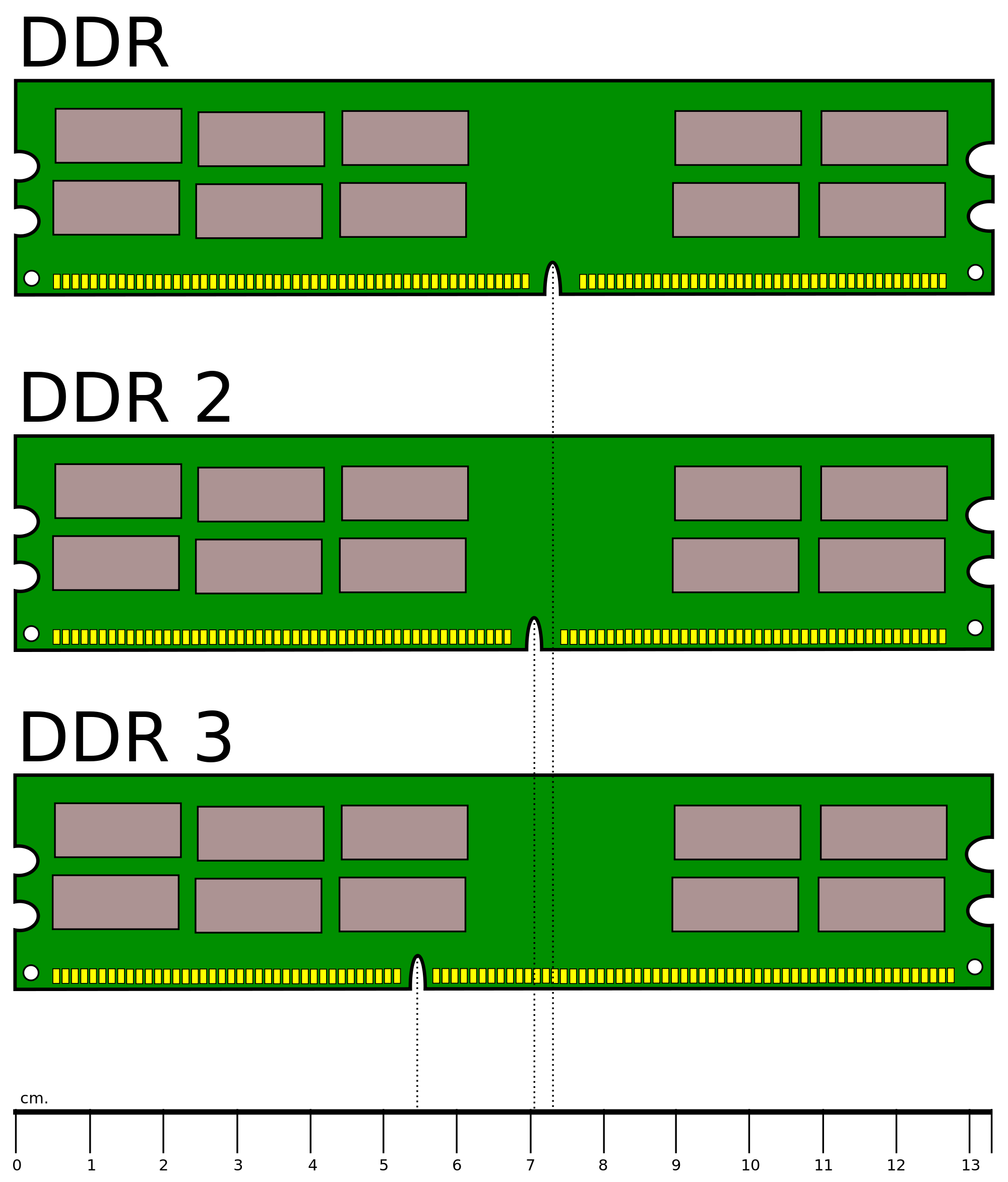
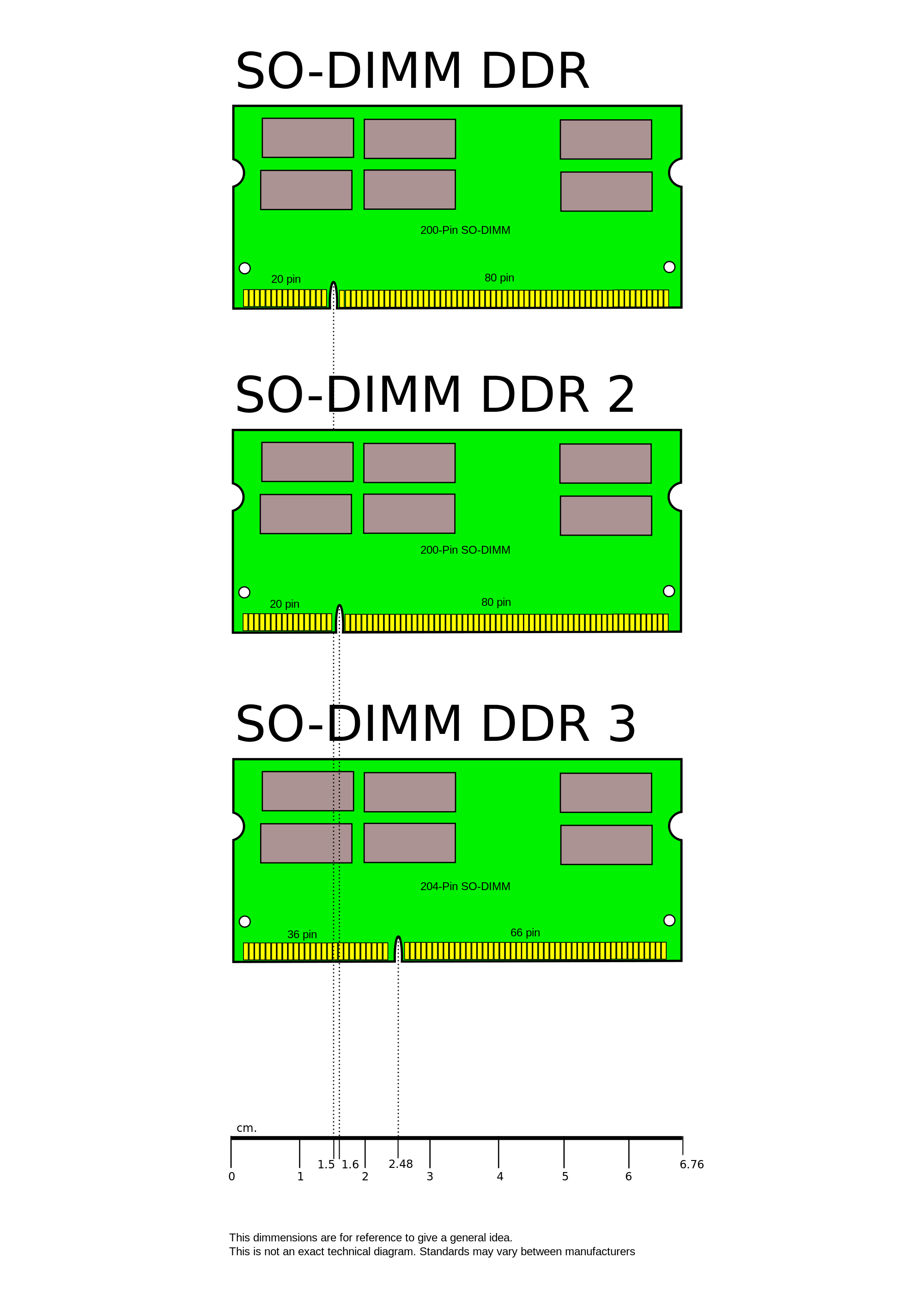
Memory (DDR SDRAM DIMMs)

Desktop computer:

DIMM

Laptop computer:

SODIMM

  1. Run CPUID.
  2. Go to the Memory tab.
  3. Determine Type, Size and DRAM Frequency.
  4. Go to theMainboard tab.
  5. Determine Manufacturer and Model.
  6. Replace – Look up the type of DDR2 or DDR3 memory installed (PC3200, PC4200, etc).
  7. Upgrade – Order memory of optimum size and speed the mainboard is capable of supporting.